Army Standards Calculator: What Triggers the Tape Test?
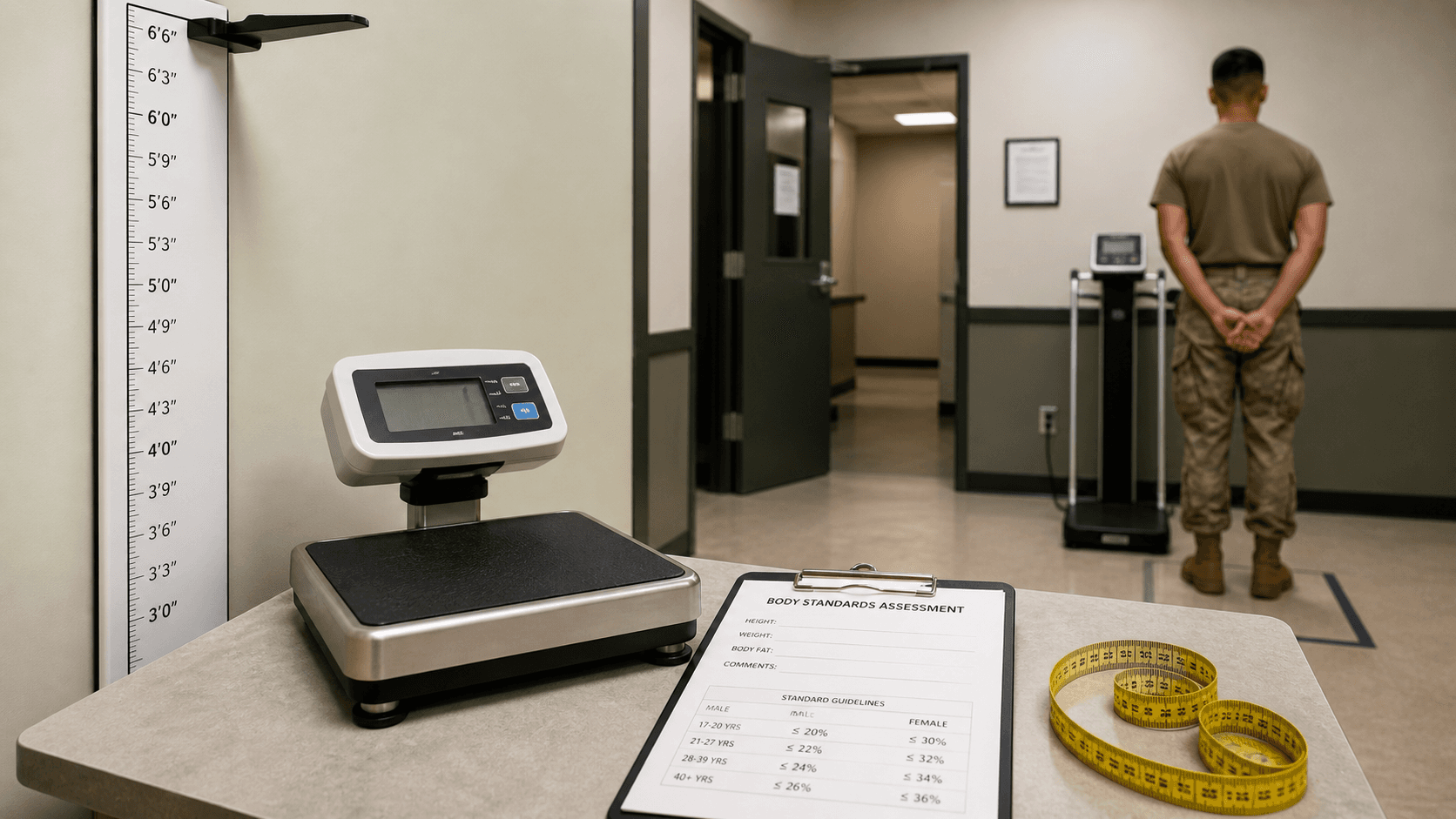
Cover image: U.S. Army reference illustration.
If you searched for an Army height and weight standards calculator, you are probably trying to answer one urgent question: will I pass the screening step, or will I get taped?
That question matters because the screening table is where many official assessments begin. The calculator on this site helps you compare your height, weight, age group, and waist measurement against AR 600-9 guidance so you can understand your status before the official result is in someone else’s hands.
What an Army height and weight standards calculator checks
This type of calculator focuses on the first compliance checkpoint:
- Height
- Body weight
- Age group
- Gender
Those numbers are checked against the Army screening tables. If you are above the allowed screening weight for your category, the next step is usually a body fat assessment.
That is why screening weight matters so much. It decides whether the process stops there or moves to the tape test.
What triggers the tape test?
The tape test is typically triggered when your entered body weight is above the maximum screening weight for your height and age bracket.
Example
If the table says the max screening weight for your category is 180 lb and you enter 184 lb, you may move to the tape step.
That does not mean you automatically fail overall. It only means the Army needs a body fat estimate to make the next decision.
Why people get confused about the standards calculator
Many people assume:
- “If I am over weight, I already failed.”
- “If I am muscular, the table should not matter.”
- “If the tape is close, it is just luck.”
The better way to think about it is this:
- Screening weight is the first filter
- Tape estimate is the second filter
- Your age and gender standard determine the final comparison
That is why the Army Height and Weight Calculator is useful. It helps you understand the process in the correct order.
Step-by-step: how to use the standards calculator
1. Enter your height
Height determines which row of the screening table applies to you.
2. Enter your weight
This is compared to the max allowable screening weight for your category.
3. Choose the correct age group
Age matters because the standards vary by bracket.
4. Review the screening result
If you are within the standard, that is your first green light.
5. If prompted, enter waist measurement
If you exceed screening weight, the calculator uses waist-at-the-navel logic to estimate body fat under current one-site tape guidance.
The difference between screening weight and body fat
This is one of the most important ideas on the whole site.
Screening weight
This is a table-based checkpoint. It is fast and simple.
Body fat estimate
This is the follow-up when screening weight is exceeded. It is more detailed and depends on taping technique.
If you want the full body fat breakdown, go here:
If you want the current taping rules, go here:
What increases your risk of getting taped
Several situations make taping more likely:
- Rapid weight gain after leave or travel
- Inconsistent monthly tracking
- Underestimating current weight
- Poor waist-measurement habits at home
- Waiting until the final week to self-check
That is why a standards calculator is not just about information. It is about timing and preparation.
How to reduce tape-test risk before the official date
Track early
Check at least once a month, not just when an assessment is announced.
Track honestly
Use real weight, not your “best case” guess.
Track waist consistently
If you are close to the line, a weekly waist trend gives better insight than random one-off measurements.
Review the standards chart
Use these pages together:
- US Army Height and Weight Standards for 2026
- Body Fat Standards by Age and Gender
- How to Calculate Army Body Fat Percentage
Who should use this calculator most often
This is especially useful for:
- New recruits checking enlistment readiness
- Soldiers near the screening limit
- National Guard and Reserve members who need between-drill self-checks
- Anyone trying to avoid a last-minute shock at weigh-in
Frequently misunderstood point
The standards calculator does not replace official unit measurements. It is a preparation tool. Its value is that it gives you an early warning before the official process starts.
That early warning can help you:
- clean up nutrition
- manage weight sooner
- practice correct waist measurement
- plan better before a recruiter meeting or unit assessment
Final takeaway
An Army height and weight standards calculator helps you understand whether you are likely to clear the first screening step and whether the tape test may be next. Used early, it gives you time. Used late, it only confirms stress you already feel.
The smartest move is to self-check now:
Then follow up with deeper guidance if needed:
Sources and references

Recommended Standards Reads
Quick internal links to the most relevant pages for AR 600-9, tape test rules, and ACFT exemptions.
- Open Army Height and Weight CalculatorCheck screening weight and estimate body fat percentage (AR 600-9).
- ABCP CalculatorComplete Army Body Composition Program calculator under AR 600-9 standards.
- Browse All Blog ArticlesGuides on AR 600-9, tape test rules, and ACFT exemptions.
- Body fat standards chart and limits
- Official Army body fat calculator guide
Related Standards Articles
AR 600-9 Tape Test Rounding Rules: How to Measure Correctly
Learn how AR 600-9 tape test measurements are taken, how rounding works in real units, and how to avoid common mistakes before height and weight.
The New Army One-Site Tape Test Guide
The Army recently updated its body fat assessment method. Learn how the one-site tape test works and how it affects you.
Check Your Standards Now
Use the Army Height and Weight Calculator (AR 600-9) to check screening weight and estimate body fat percentage.